Storage Enhancement
⋆˙⟡
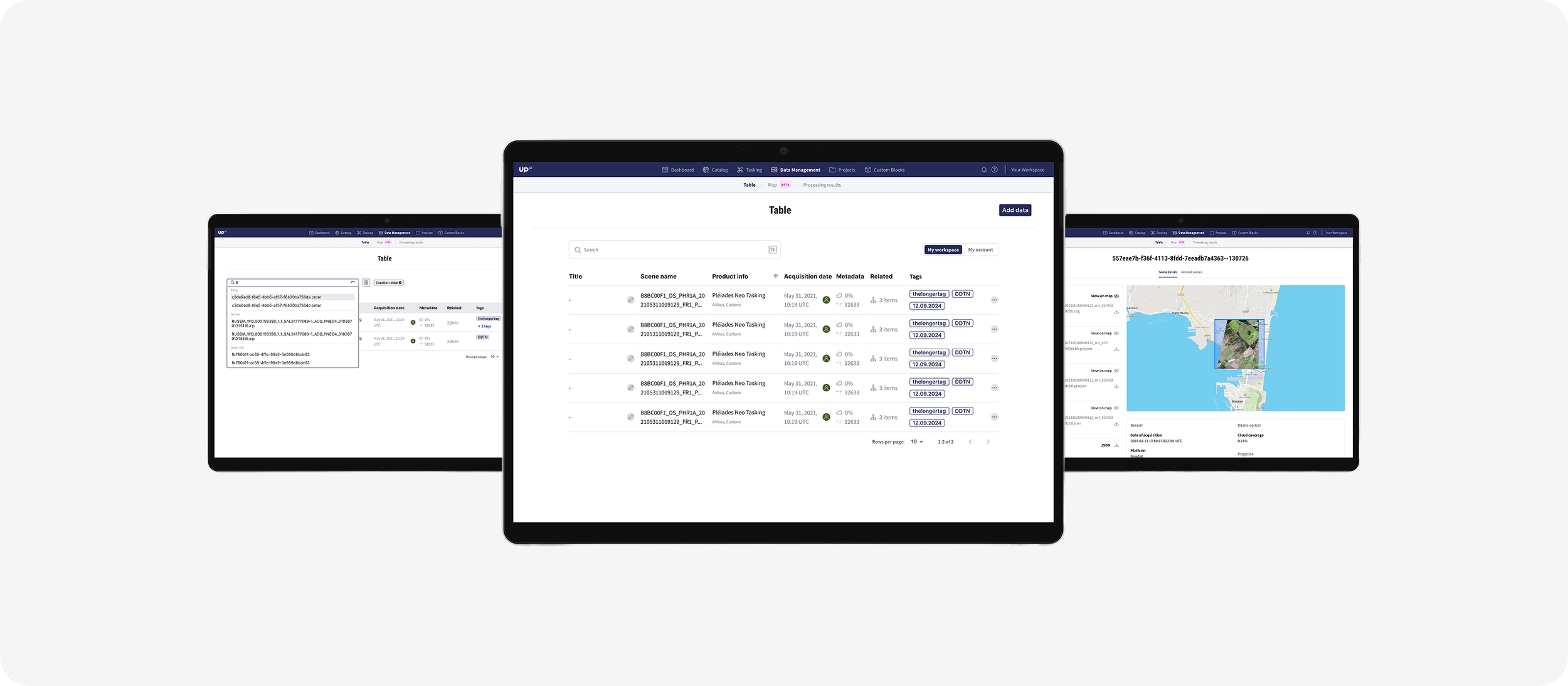
When UP42 expanded its API surface—introducing new capabilities like asset management—it became clear that the existing Console interface needed updating. Because the Console is often the first thing new users see, and the main tool used by administrators, it was essential that its UI reflect the API features in a way that was intuitive, organized, and powerful.
UP42 2023
Product Designer & Research
TL;DR
“We redesigned the UP42 Console to keep pace with new API capabilities. Over 5 weeks, I ran interviews, synthesized insights, and prototyped solutions that introduced sorting, tagging, filtering, and reference naming for asset management. Usability testing confirmed these features improved efficiency, and the updated Console now scales better with future API growth.”
Solution
Over 4-5 weeks, I worked as the solo designer (collaborating closely with developers) to research, design, validate, and deliver a refreshed Console. The goal was to align the Console with new backend changes (asset services replacing older storage endpoints), and to introduce enhancements like sorting, tagging, filtering, and reference naming. The outcome was a more scalable, user-friendly asset management experience.
Research Plan
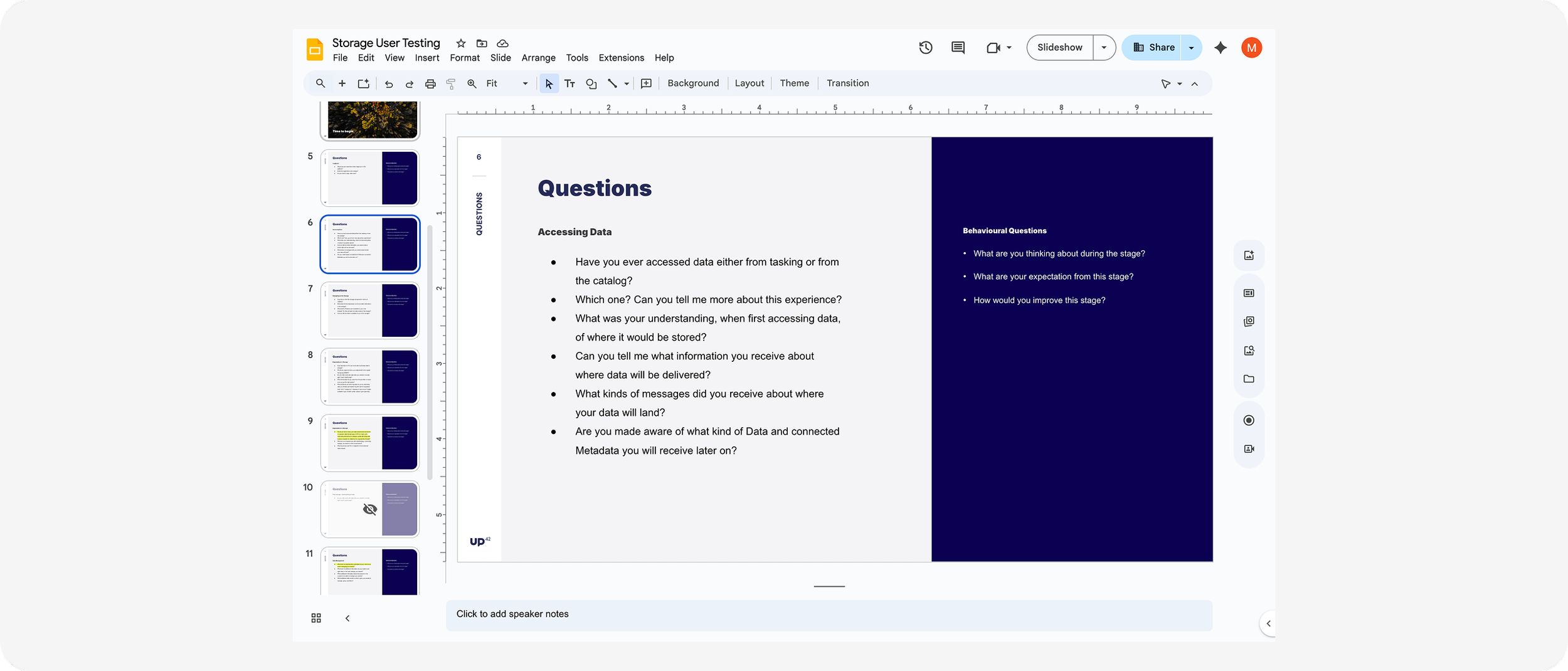
Held 5 customer interviews to uncover how users interacted with assets, and what frustrations they had with the old system.
Gathered feedback specifically around how users managed, searched, and organized assets.
Considered technical constraints early to shape what was feasible without overwhelming users.
Research & Synthesis
Key insights from interviews included that disorganized assets were a pain point; users strongly wanted better ways to sort, tag, and filter.
Technical discovery showed there were many potential features, but the challenge was balancing richness of options with simplicity of use.
Synthesized findings into priorities: sorting, tagging, reference naming, filtering by workspace/account.
Design & Validation
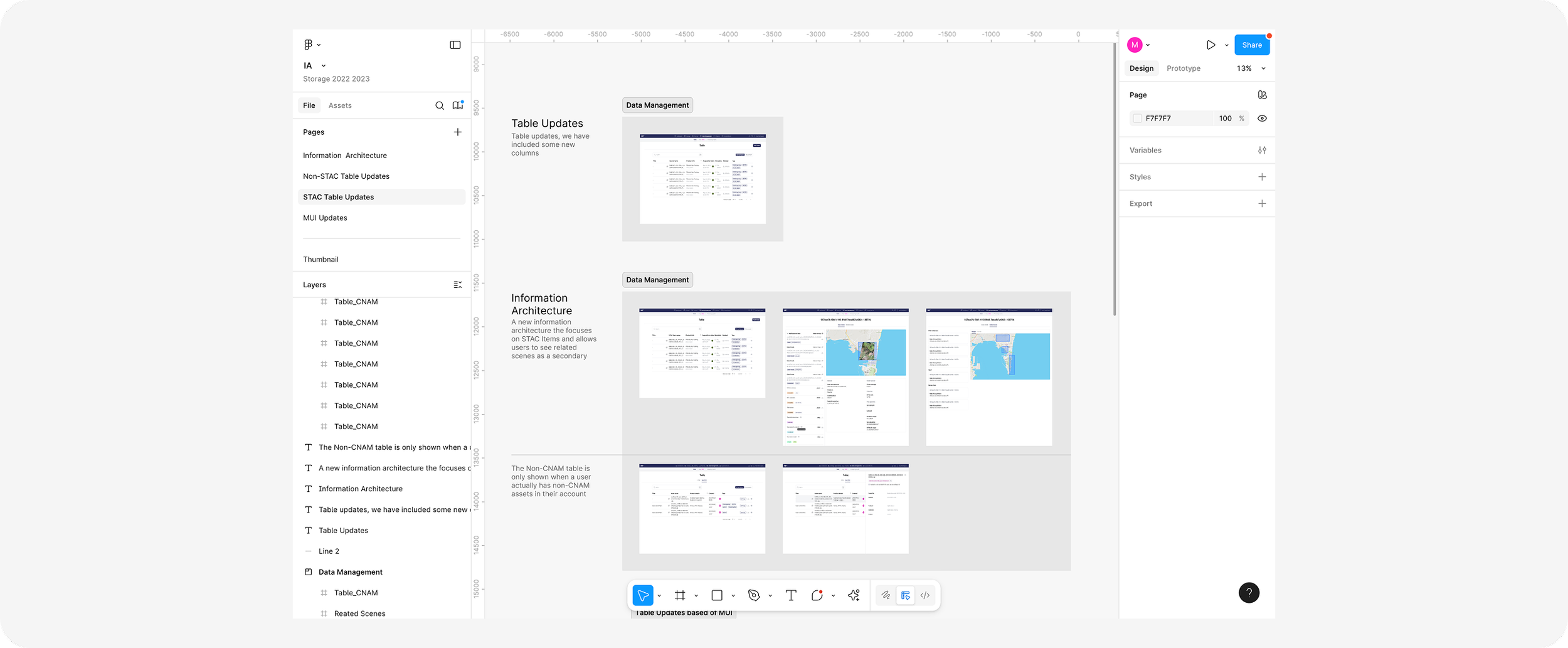
Created Figma prototypes showing sortable tables, tag management UIs, and multi-level filtering flows, ensuring compatibility with the new Asset Service.
Ran usability tests with the same users interviewed earlier, confirming that the proposed flows (tags, reference names) significantly helped users locate and manage their assets more efficiently.
Handover & Vision
Delivered developer-ready Figma assets, complete with annotations, to support implementation.
Positioned this Console enhancement as a foundational step: not just fixes for today, but a platform for more API-driven features in future releases.
Impact
Streamlined Asset Management — users now can search, tag, sort and filter assets more effectively, reducing friction in daily tasks.
Scalability of UI Feature Set — the Console is now better aligned to support further API expansion, serving both administrators and new users more cleanly.